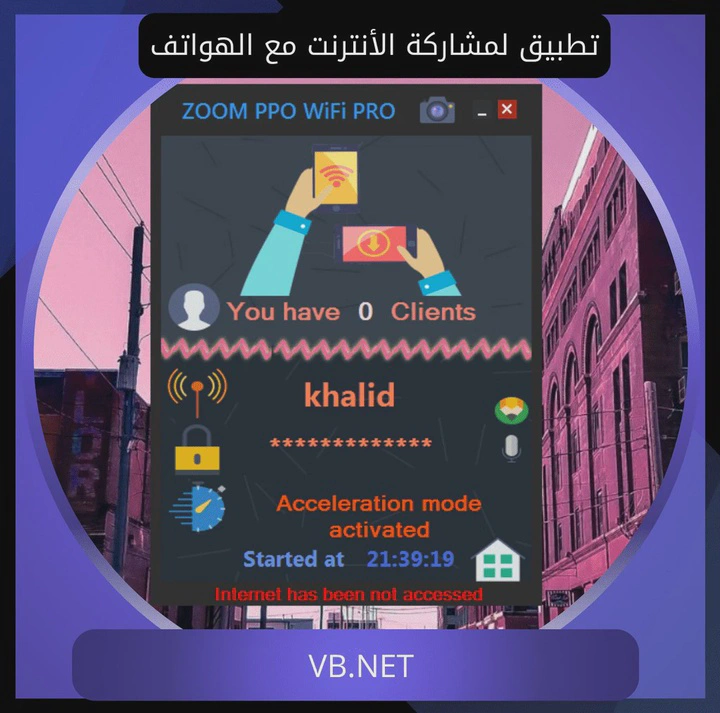
ZOOM WIFI Hotspot: A Community-Driven Connectivity Solution

Overview
In a period when internet connectivity in Syria was unstable and intermittent, I built ZOOM WIFI Hotspot — a small Windows utility that turns any computer into a Wi-Fi access point so nearby devices can share its connection. The idea wasn’t complicated, but at the time there wasn’t a clean, free tool that did just this and nothing else.
From idea to release
The project started from a personal need: I had an internet connection, and people nearby needed to share it. The existing options were either obscure command-line invocations, heavy paid software, or unreliable freeware bundled with adware.
The app is written in C# and uses the Windows WMI interface to control network sharing. The UI is intentionally minimal — one button to start the hotspot, one field for the SSID, one for the password.
The main challenge was making it stable enough to run for hours on low-spec machines without crashing or eating CPU.
Highlights
- Worked on every major Windows version — XP, 7, 8, 8.1, and 10.
- Completely free, with no paid tier or usage limits.
- Very light — small footprint, low memory use.
- Bilingual UI — Arabic and English.
How it spread
In its first year ZOOM WIFI Hotspot passed 3,000 downloads, and people in besieged areas used it to share a single connection across several devices. I got messages from users I never expected to reach.
Gallery
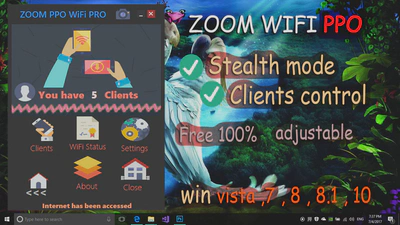
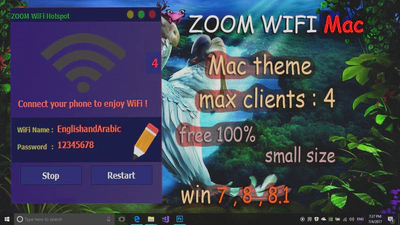
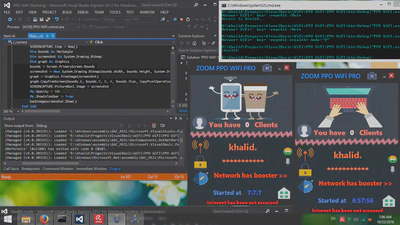
After Windows 10 version 1703 added a built-in Mobile Hotspot option, updates to the app stopped.
What I took from it
ZOOM WIFI Hotspot wasn’t a commercial product or a graduation project. It was the first time I saw a tool I’d written travel without any marketing and reach people I’d never meet. The lesson stayed with me: simple tools that solve a real problem spread on their own.