Logic gates simulator

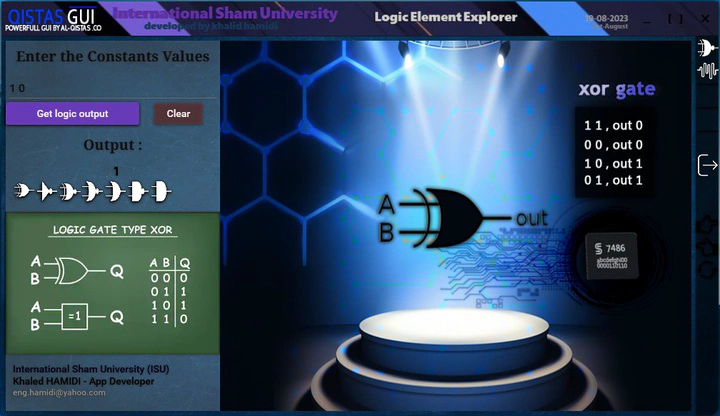 Image credit:
Logic Element Explorer
Logic gates simulator Logic Element Explorer is an application that allows you to simulate logic gates, flip-flops, decoders, encoders, multiplexers, and demultiplexers, and compare two signals. It provides a user-friendly interface for exploring and understanding various logic elements.
Features
- Simulate logic gates: AND, OR, NOT, XOR, etc.
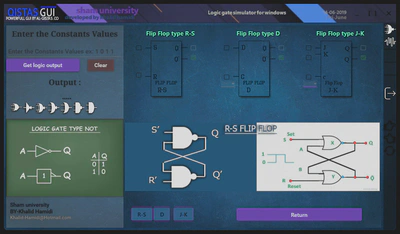
- Simulate flip-flops: D Flip-Flop, JK Flip-Flop, T Flip-Flop, etc.
- Simulate decoders and encoders.
- Simulate multiplexers and demultiplexers.
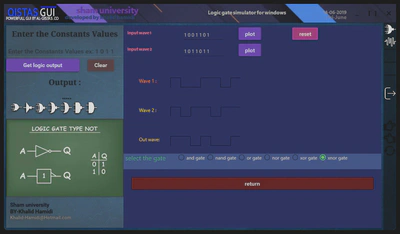
- Compare two signals and observe the output.
“This project was developed as part of my university coursework, focusing on utilizing C# and XAML to create a practical application.”
Installation
To install the Logic Element Explorer application, follow these simple steps:
Download the LogicElementExplorer installer from the [downloads]. Run the installer file (LogicElementExplorer.exe). Follow the on-screen instructions to complete the installation. Once the installation is complete, you’re ready to use Logic Element Explorer!
Support
If you encounter any issues or have any questions or suggestions, please feel free to contact us at [eng.hamidi@yahoo.com].
Development by Khaled HAMIDI